Process and port viewer
<prefix> + t opens the process viewer. Use it to find the process holding a
port or check CPU, memory, and disk usage by session, window, or pane.
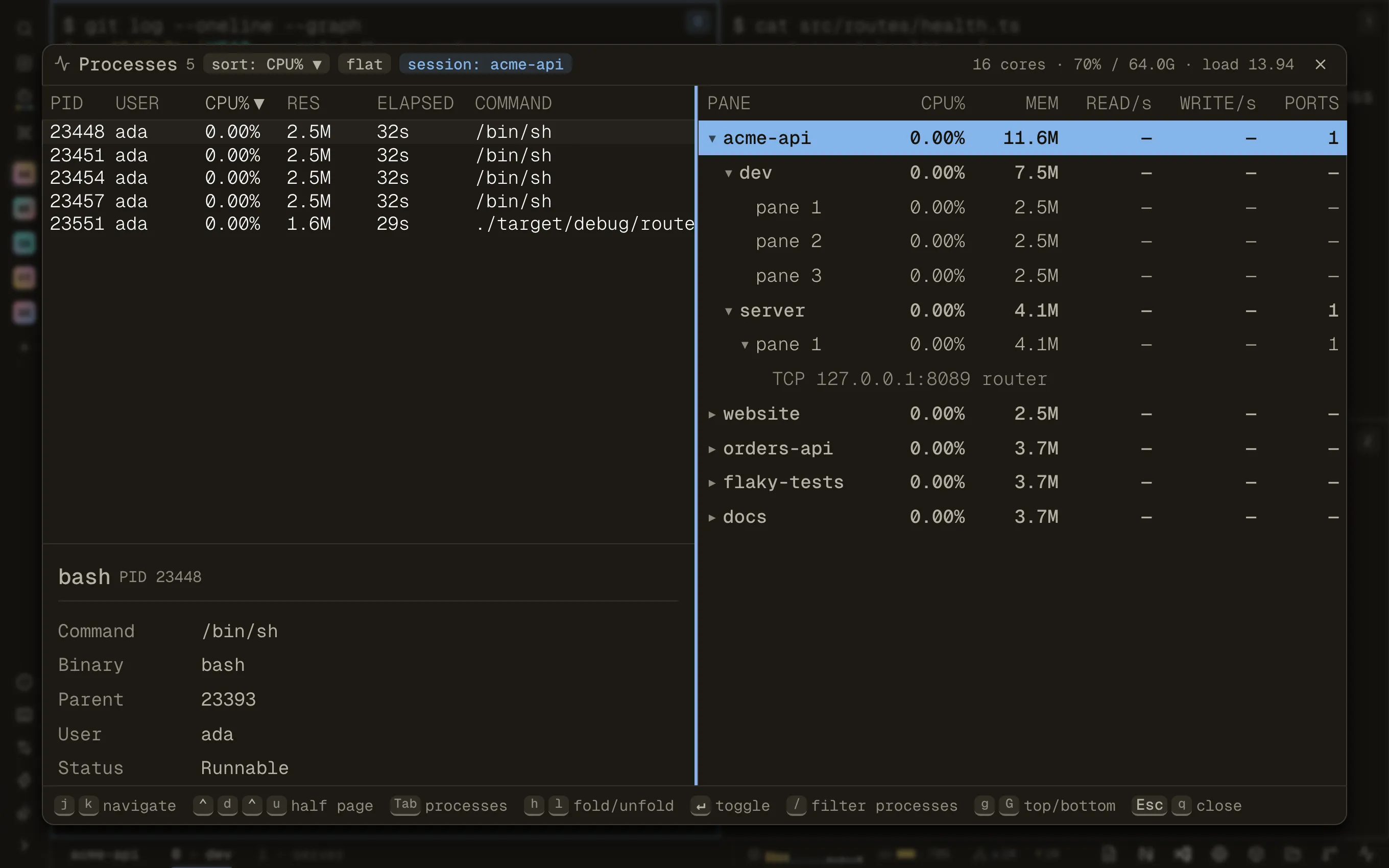
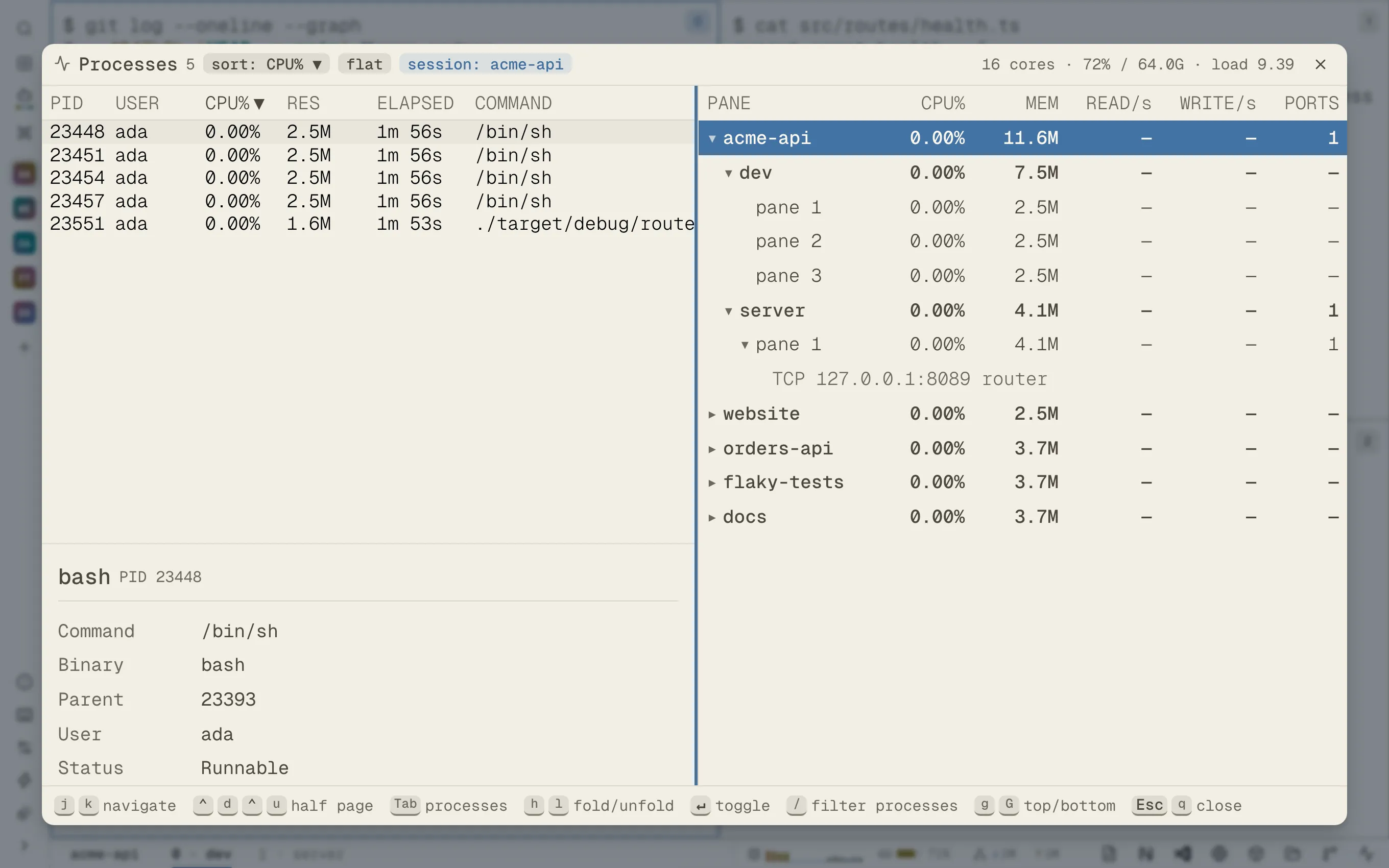
Processes and usage refresh every second, ports every 3 seconds.
| Key | Action |
|---|---|
Tab |
Switch between the list and per-pane usage |
p |
Switch the list between processes and ports |
j / k, arrows |
Move |
g / G |
First / last row |
h / l, Left / Right |
Collapse / expand a process tree or a port’s sockets |
Enter, Space |
Toggle the same |
/ |
Filter |
s |
Next sort order; a click on a column header sorts by it |
V |
Show processes flat or as a tree |
F |
Follow the selected row as the list reorders |
x / X |
Terminate / kill the process (asks first) |
q, Esc |
Close; Esc first clears a filter |
Listening TCP ports come first, then everything else by port number. Click the PORT header to sort by number alone, or Listeners first to go back.
- Sockets are grouped by local port and process. Expand a group for its sockets and their remote endpoints.
- When the port list is wider than its panel, Left and Right scroll it
sideways first, then collapse and expand;
handlalways do. - A UDP socket marked
BOUNDhas a local port. That doesn’t mean a service is listening on it. - A socket whose process is unknown can’t be signaled. On macOS, sockets of processes btmux isn’t allowed to inspect can be missing altogether.
Per-pane usage
Section titled “Per-pane usage”The usage side groups processes by session, window, and pane, and sums their CPU (100% is one core), memory, disk reads and writes, and listening ports. Sessions start folded.
Focus a usage row to filter the list to its processes and ports. Press Esc to clear the filter.
A process counts for the pane whose shell started it. A daemon that detaches from its shell counts for no pane, as do the built-in editors and browser. Programs in sandboxed sessions, and on Windows in Git Bash and WSL panes, aren’t counted.