Files and Git
Browse files or manage Git from the active pane’s directory. The dialog footer lists the available keys.
File browser
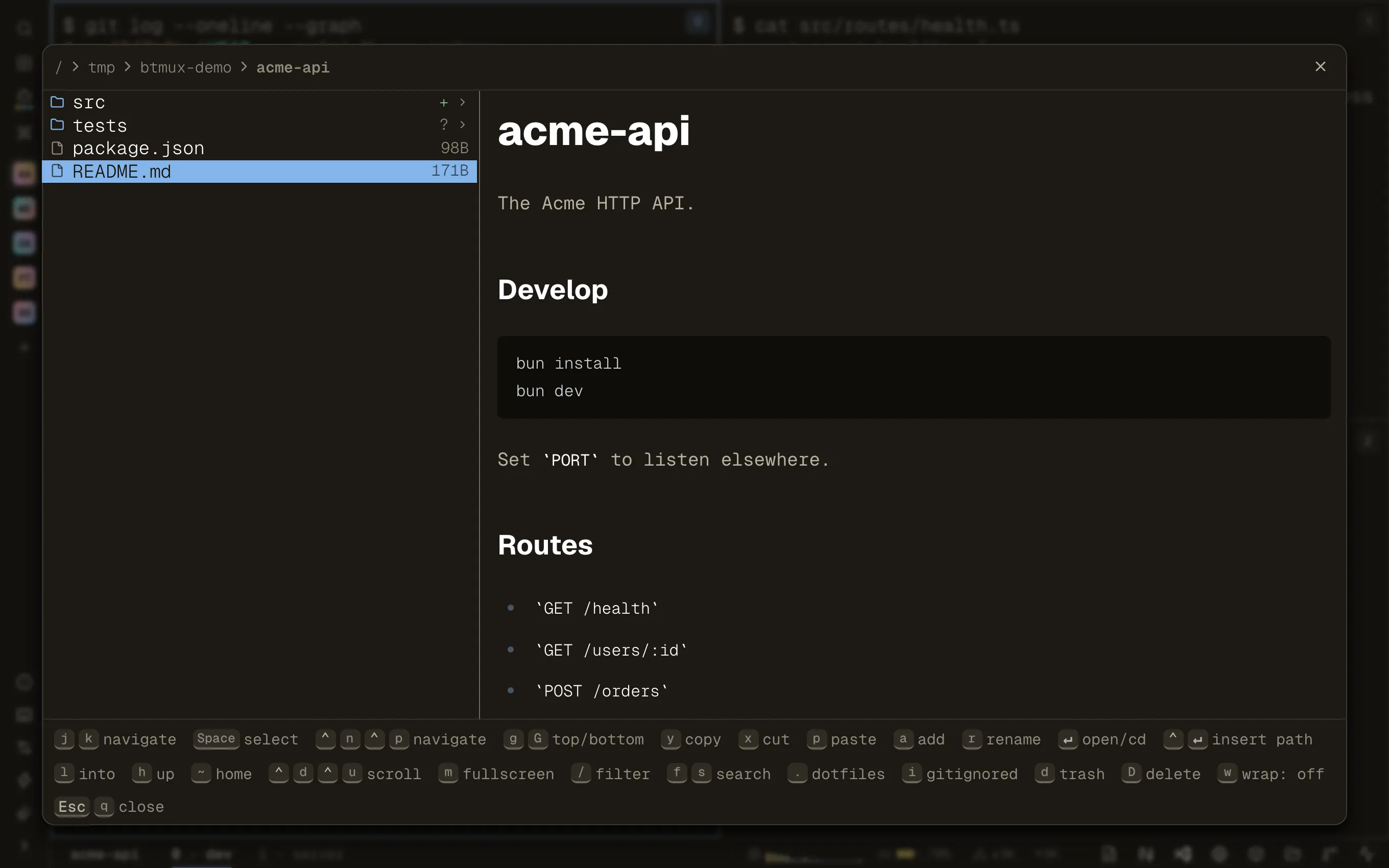
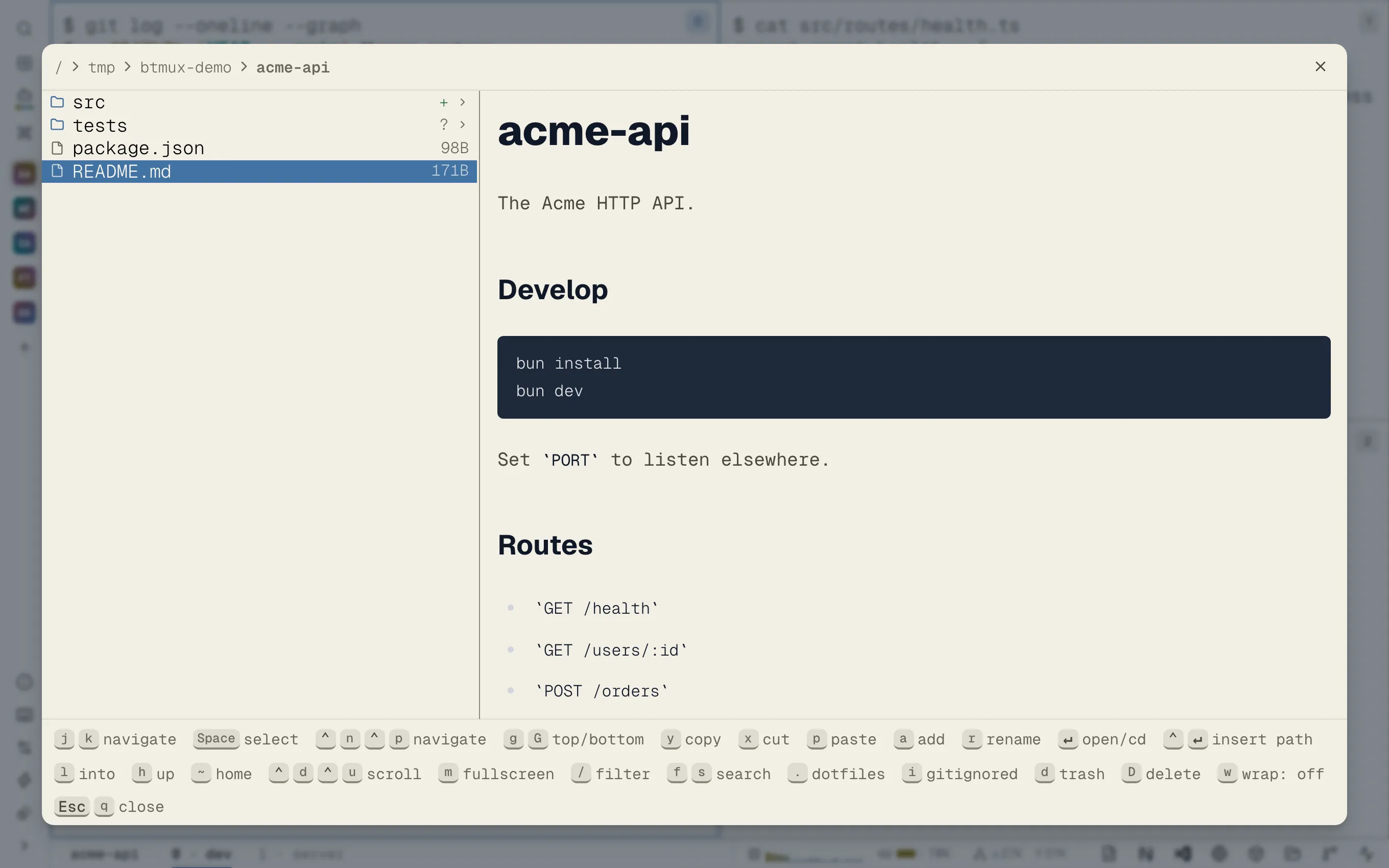
Section titled “File browser”<prefix> + f opens the file browser with a preview of the selected entry.
| Key | Action |
|---|---|
j / k, arrows |
Move |
g / G |
First / last entry |
l, Right |
Enter a directory |
h, Left, Backspace |
Parent directory |
~ |
Home |
Enter |
Open a file in the editor, or cd the pane to a directory |
Ctrl+Enter |
Type the path into the pane |
/ |
Filter this directory by name |
f / s |
Search file names / file contents below this directory |
. / i |
Show dotfiles / gitignored files |
Space |
Select several entries |
y / x / p |
Copy / cut / paste |
a |
New file or folder (end the name with / for a folder) |
r |
Rename |
d / D |
Move to trash / delete permanently (asks first) |
Ctrl+D / Ctrl+U |
Scroll the preview |
m, w |
Preview fullscreen, wrap lines |
q, Esc |
Close |
Previews cover code with syntax highlighting, Markdown, JSON, CSV, images,
PDF, video, audio, and HTML (rendered without scripts; v shows the source).
A directory previews as a tree. Binary files open with the server machine’s
default app instead of the editor.
Name search uses fd and content search uses rg when they are installed,
falling back to find and grep. Both show at most 100 results. Searches
and filters here, as elsewhere in btmux, ignore case unless the query has an
uppercase letter.
Git mode
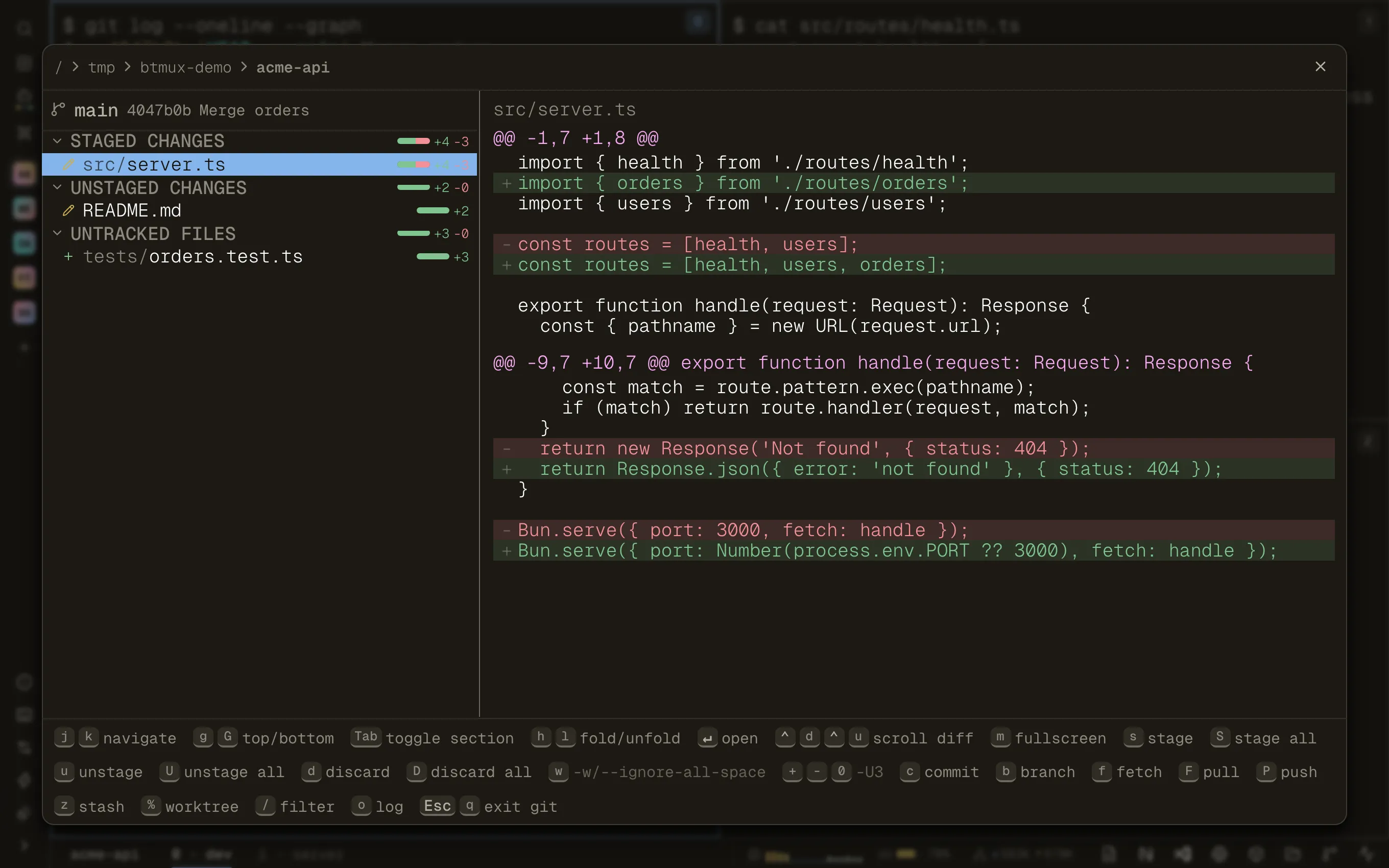
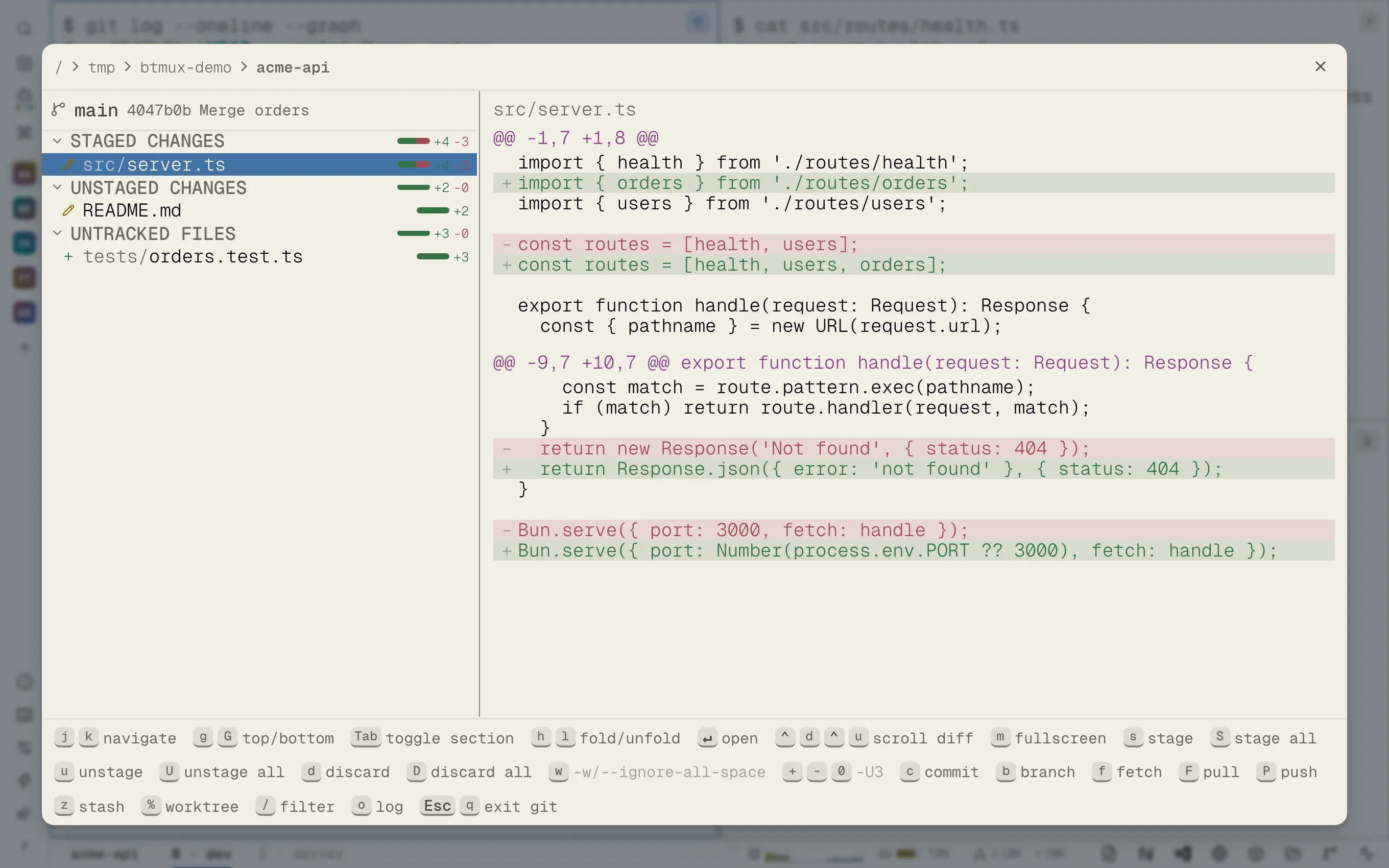
Section titled “Git mode”<prefix> + g opens the pane’s Git status and shows the selected file’s diff.
| Key | Action |
|---|---|
s / u |
Stage / unstage the file (on a header: the section) |
S / U |
Stage / unstage everything |
d / D |
Discard the file’s changes / all unstaged changes (asks first) |
c |
Commit: subject and body, Ctrl+Enter to confirm |
Enter |
Open the file in the editor, at the first change |
o |
Log: the latest 200 commits with their diffs; s returns |
w |
Ignore whitespace in diffs |
+ / - / 0 |
More / fewer / default context lines |
/ |
Filter files, or commits in the log |
Tab, h / l |
Fold and unfold sections |
q, Esc |
Close |
Branches, remotes, stashes
Section titled “Branches, remotes, stashes”As in Magit, one key opens a popup and a second runs an action. In the fetch,
pull, push, and stash popups, - followed by a letter toggles a flag first.
| Key | Popup | Actions | Flags |
|---|---|---|---|
b |
Branch | Enter check out, c create and check out, n create, m rename, d delete, D force delete |
|
f |
Fetch | u upstream, e another remote, a all remotes |
-p prune, -t tags |
F |
Pull | u upstream, e another branch |
-r rebase, -f fast-forward only |
P |
Push | u upstream, e elsewhere, t tags |
-f force with lease, -h skip hooks, -n dry run |
z |
Stash | z stash, i index only, a apply, p pop, d drop |
-u untracked, -a all |
% |
Worktree | Enter visit, c create and visit, n create, d delete, D force delete, l lock, p prune |
These run the git command, so your credentials, hooks, and config apply.
Worktrees
Section titled “Worktrees”A worktree gives a branch its own directory, which suits running one agent per branch.
<prefix> + Wasks for a branch and opens a window in a new worktree for it. An existing local or remote branch is checked out; otherwise the branch starts at the pane’s HEAD.<prefix> + Xremoves the pane’s worktree and closes its panes. The branch is kept. It refuses the main worktree, uncommitted changes, a locked worktree, and panes still running a program. The worktree popup’sDforces it.
Worktrees are created beside the repository as <repo>-<branch>. Change that
with worktree-path:
worktree-path = "~/worktrees/{repo}/{branch}"The session switcher colors sessions by repository, shows each window’s branch, and marks branches that are ahead, behind, or have changes.
GitHub status
Section titled “GitHub status”The pane’s GitHub badge shows the pull request, review status, and check counts. Click it to open the PR or, if there’s none, the branch.
Install the GitHub CLI and run gh auth login.
btmux fetches status through gh.
[github]enabled = truehosts = ["github.example.com"] # GitHub Enterprise hosts to ask too