Neovim GUI
Set editor = "neovim" to open the Neovim GUI
over the active pane with <prefix> + e. The file
browser and Git mode open files there. btmux draws the command line,
completion menu, messages, progress, and LSP signature help in the GUI.
Floating windows appear as cards.
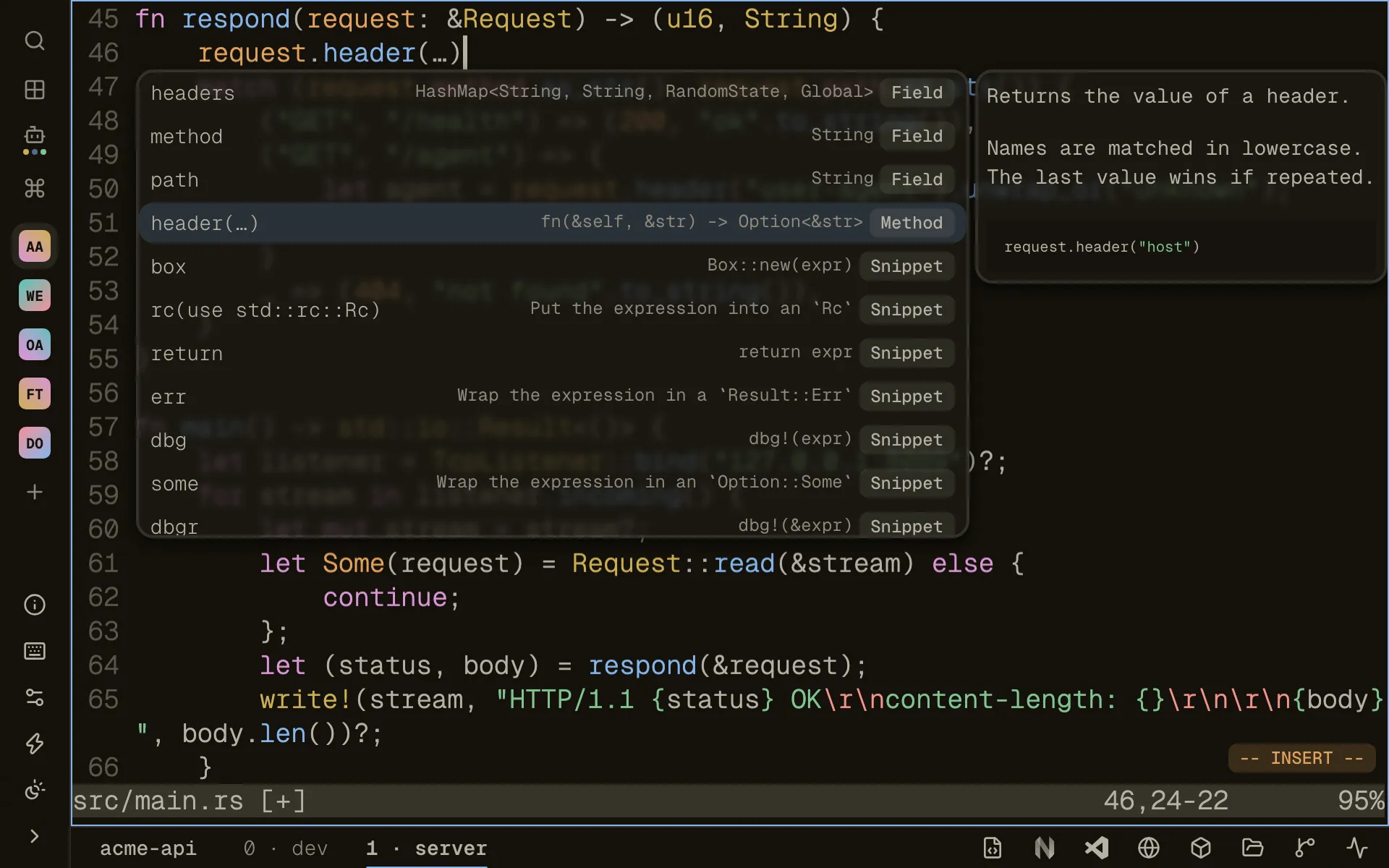
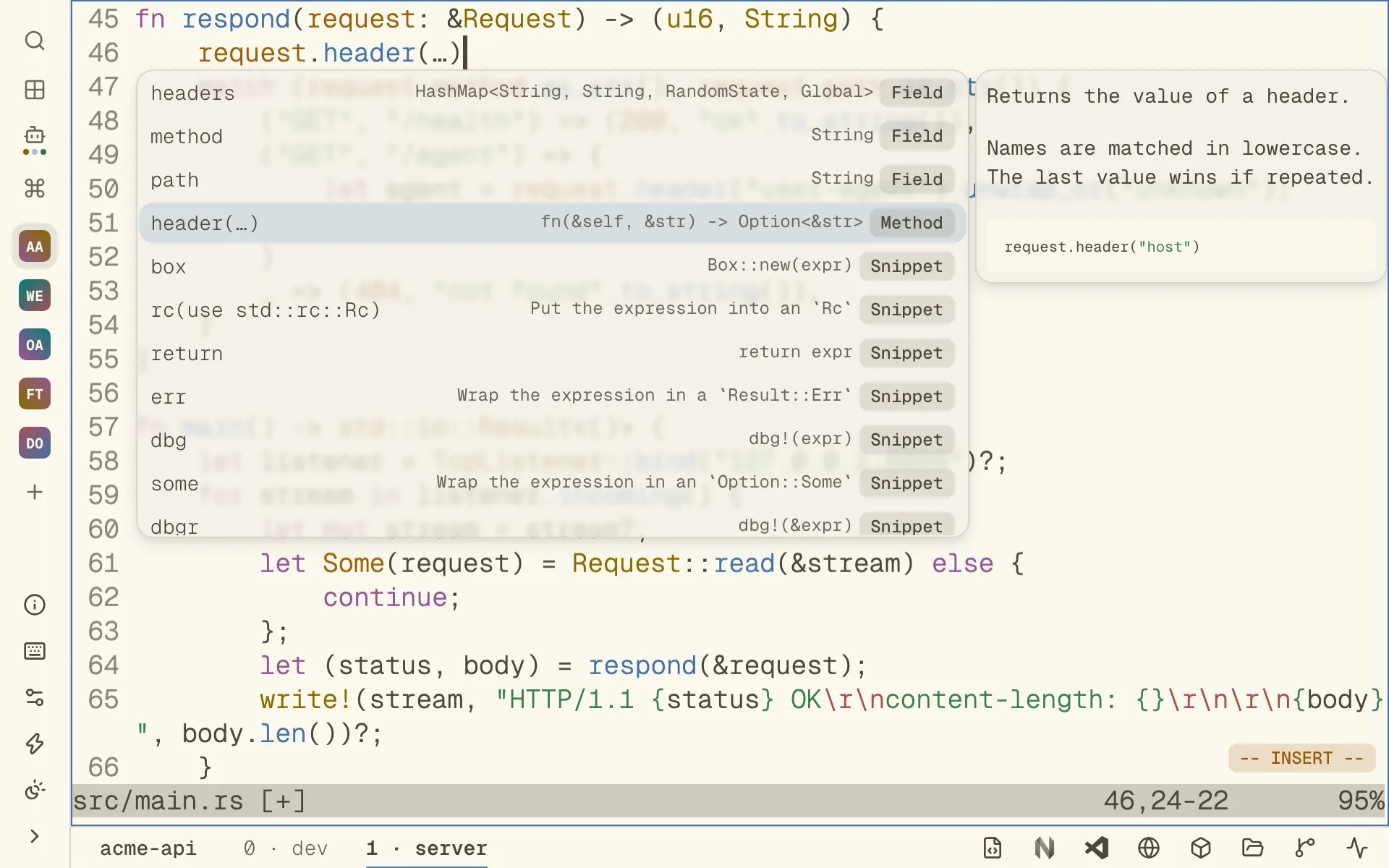
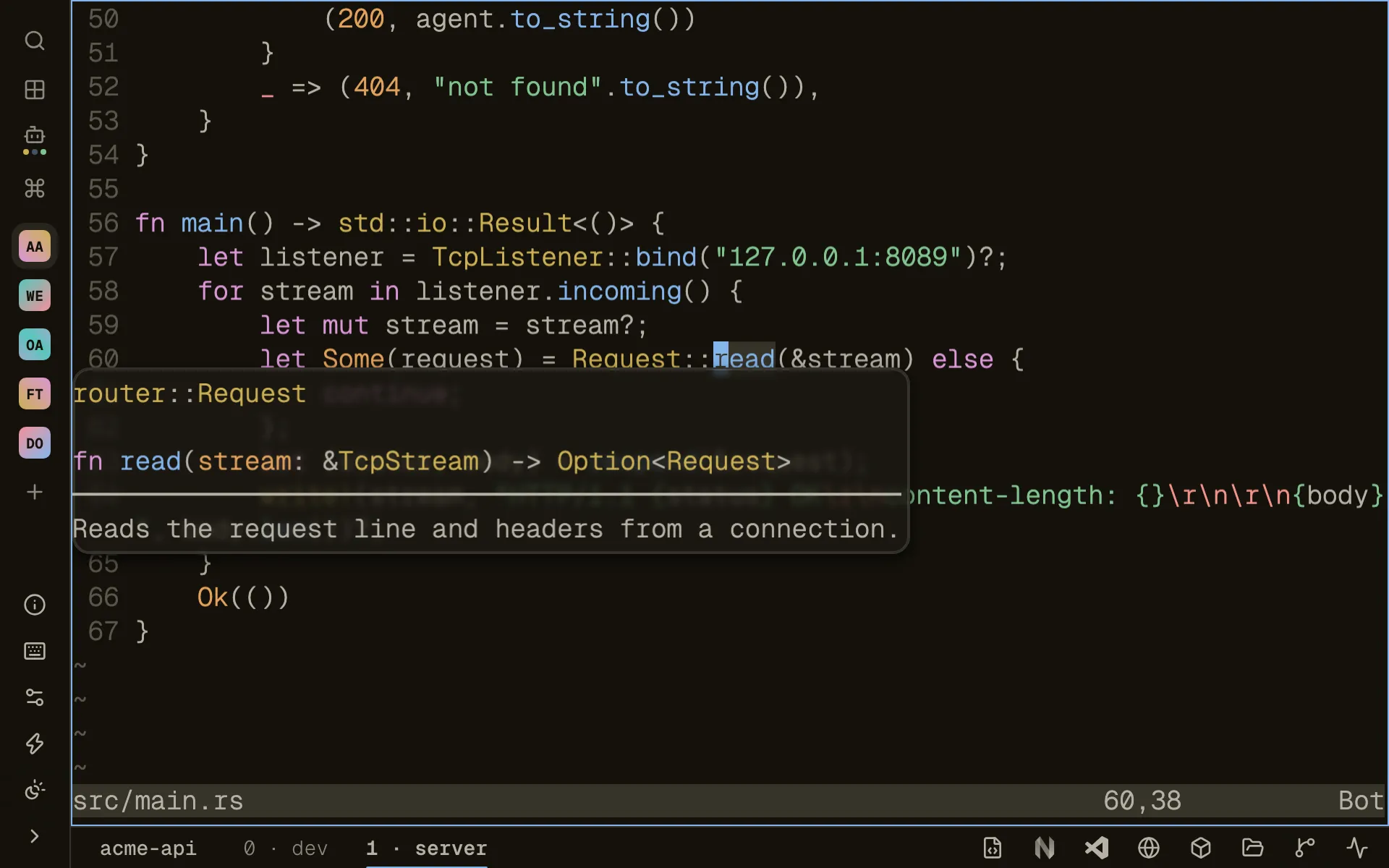
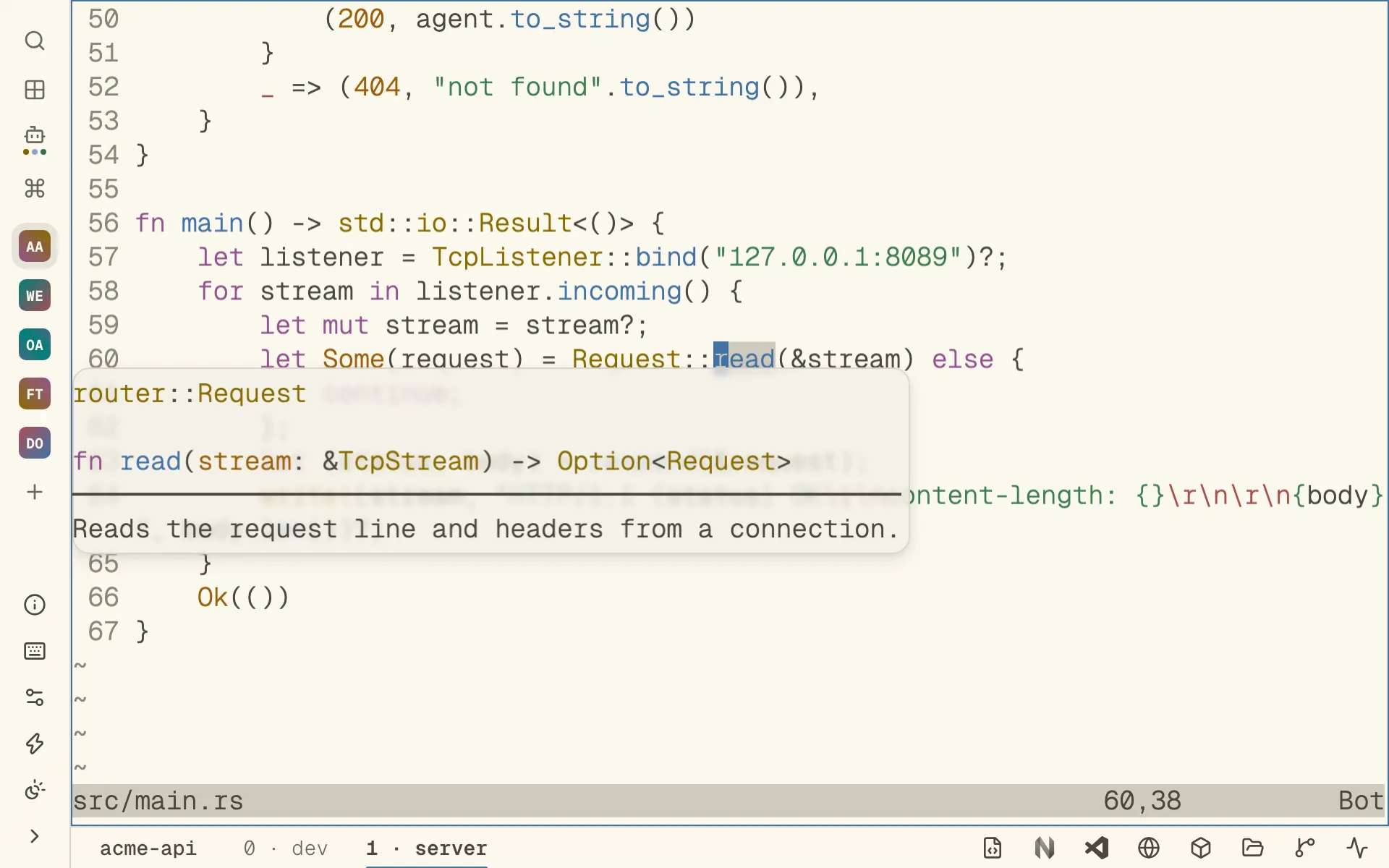
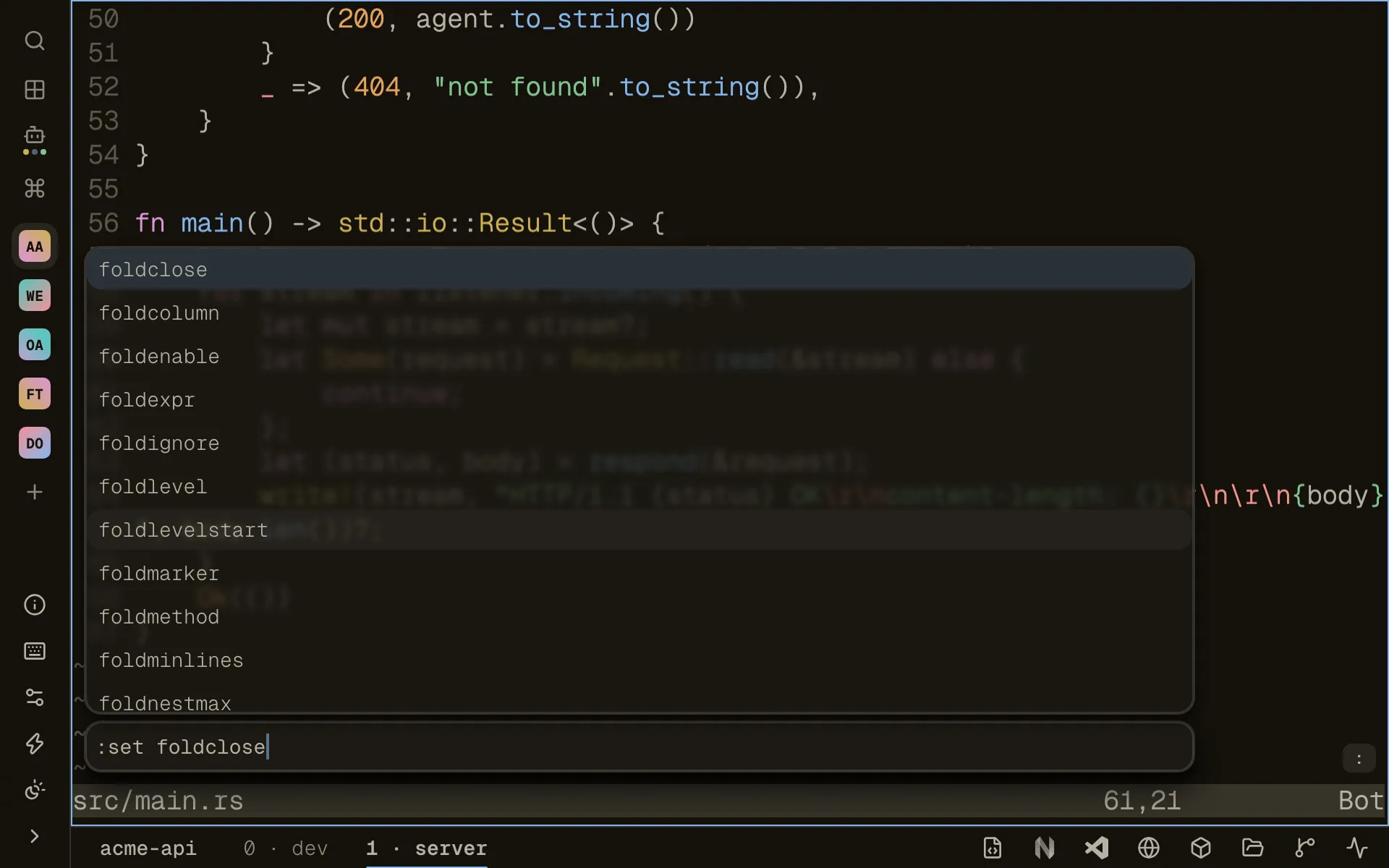
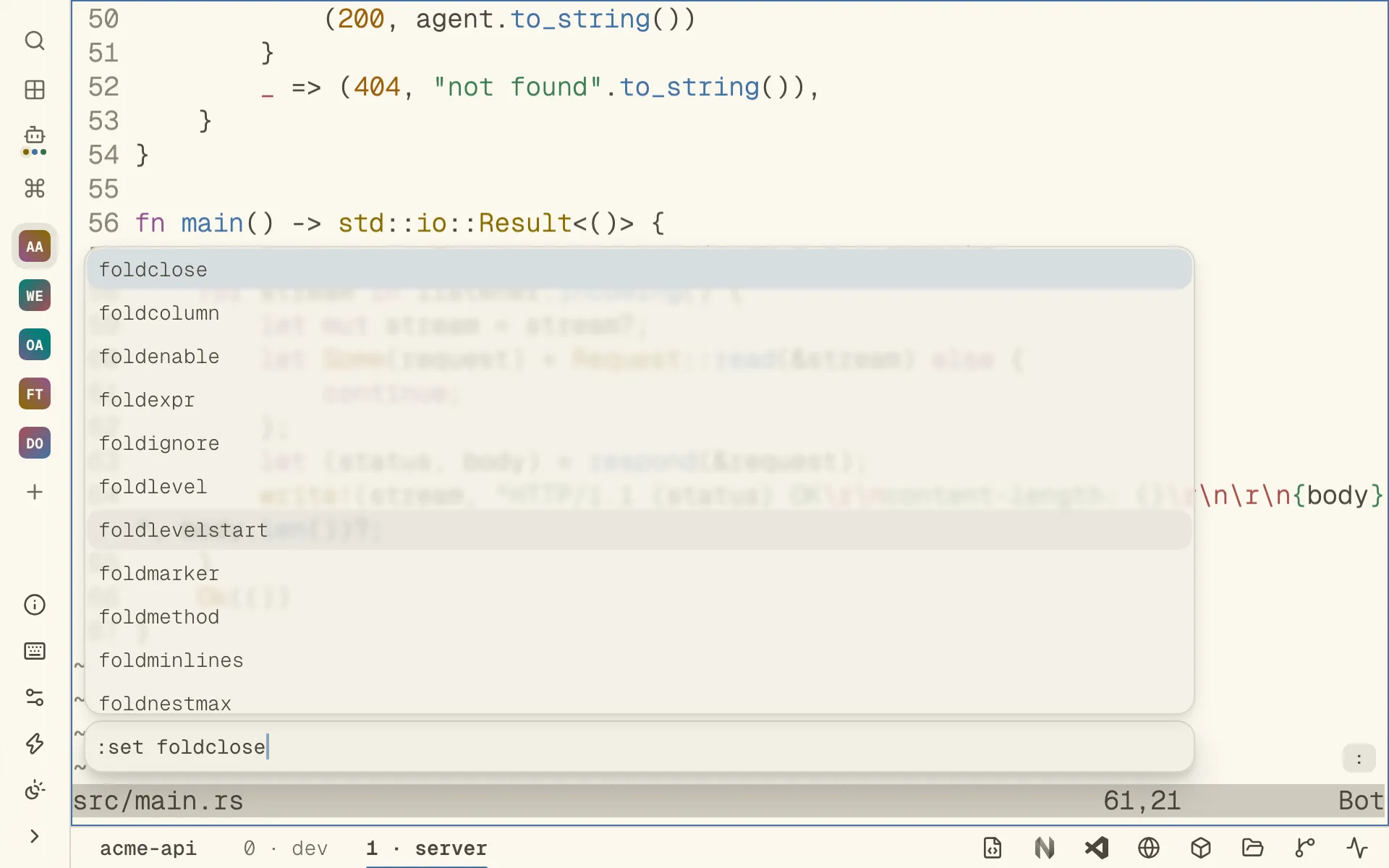
The GUI requires nvim 0.12 or newer on the server’s PATH. With Neovim
configured as your editor, open it from the status bar. You can also use
editor-neovim from the command palette. Use :q to quit Neovim.
winblend and pumblend make floating windows and the completion menu
translucent, as in the screenshots, blurring what’s behind them by
popup-blur while their text stays sharp.
Your Neovim config
Section titled “Your Neovim config”btmux loads your Neovim config and sets g:btmux for GUI-specific settings.
if vim.g.btmux then -- btmux animates each scroll; single-line steps feel smoothest vim.o.mousescroll = "ver:1,hor:6"endPlugins that draw their own completion menus or animate scrolling (such as
blink.cmp or snacks.nvim’s scroll) keep working but bypass or fight btmux’s UI.
Native completion goes through btmux’s menu, including item docs:
if vim.g.btmux then vim.o.autocomplete = true vim.o.completeopt = "menuone,noselect,fuzzy,popup" vim.api.nvim_create_autocmd("LspAttach", { callback = function(ev) vim.lsp.completion.enable(true, ev.data.client_id, ev.buf, { autotrigger = true }) end, })endThe btmux plugin
Section titled “The btmux plugin”btmux bundles a Neovim plugin and loads it automatically. Call setup in your
config to change its defaults:
require("btmux").setup({ completion_docs = true, -- item docs beside the completion menu signature = { keymap = "<C-s>" }, -- LSP signature help; false to disable progress = true, -- LSP, :write, and other progress as cards kind_icons = true, -- completion kind icons from mini.icons cmd_keys = true, -- <D-c>/<D-x> copy/cut a selection, <D-s> writes (unless you map them) check = true, -- warn once at startup about conflicts}):checkhealth btmux lists plugins and settings that conflict with btmux’s UI:
noice.nvim, ui2, a replaced vim.notify, fidget.nvim, lsp_signature.nvim or
blink.cmp signature help, animated scrolling, an empty 'mouse', and a missing
clipboard provider. When it finds any, a toast points to it after the first view
attaches.
Fonts, scrolling, and keys
Section titled “Fonts, scrolling, and keys”The Neovim GUI uses btmux’s selected Base16/24 palette through the bundled
btmux colorscheme. It applies when the GUI opens and follows live theme changes,
including session-only color overrides. btmux applies its colorscheme after your config loads. Customize highlights
with ColorScheme autocmds.
The default background follows [terminal] allow-transparency, which defaults
to enabled with a wallpaper or shader. Explicit highlight backgrounds (selection,
search, floats, and cursor line) remain visible. The pane underneath keeps running
while the editor covers it.
The view uses the terminal font and font-weight (bold is 700). Neovim’s
guifont and linespace override it, as in Neovide: :set guifont=Fira\ Code:h14
sets the size in points, :b and :i make all text bold or italic, and :w1
widens cells by a point. Fonts with ligatures join them. Box-drawing and block
characters are drawn to the cell edges, so lines connect even with linespace.
Scrolling animates for [terminal] smooth-scroll-duration (default 120 ms);
scrolls of a whole window or more slide in their last line. Cursor moves animate
for [terminal] cursor-animation-duration (default 120 ms), except a cell or
two along the line. animations = false turns both off. The cursor blinks as
guicursor says, and is an outline while the view doesn’t have focus. Focus
changes trigger FocusGained and FocusLost.
F-keys and Cmd shortcuts reach Neovim as <F5> or <D-s>. Cmd+Q, W, T, N, R,
L, M, H, Cmd+digits, and Cmd+V (paste) stay with the browser or desktop app.
With mousemoveevent set, hovering sends <MouseMove>; mousehide hides the
pointer while you type. Ctrl+Z (:suspend) hides the view, and a bell (when
belloff allows it) flashes it.
Limitations
Section titled “Limitations”- Neovim sizes its grid to the smallest view attached to it.
- Plugins that draw a border as a separate window get a card around each window.
"+registers use the clipboard of the machine btmux runs on.